

Nicegram vs. Telegram: Complete Comparison, Features, Privacy, and Which One to Choose


In the ecosystem of modern messengers, it is increasingly being discussed not just the choice of an app, but the choice of a communication format. That is why the comparison of Nicegram vs. Telegram is of such interest.
Formally, they are connected by one platform: Nicegram is built on the basis of Telegram and uses its technical architecture. However, in fact, the user is faced with a different level of flexibility, additional tools, and advanced settings that are not available in the standard version.
Additionally, Nicegram is evolving as an alternative client for those who require more control over the interface, chats, and privacy settings. It offers not just a replacement for Telegram, but an extension of it, with an emphasis on additional features and fine-tuning the user experience.
In this article, let’s examine the differences between the two apps, their respective features, and who each option is best suited for.
*Discover: Should You Choose a Telegram Premium or Not?
What is Telegram and What is Nicegram?
Telegram appeared in 2013 as a Pavel Durov project focused on a fast, cloud-based, and relatively independent digital communication format.
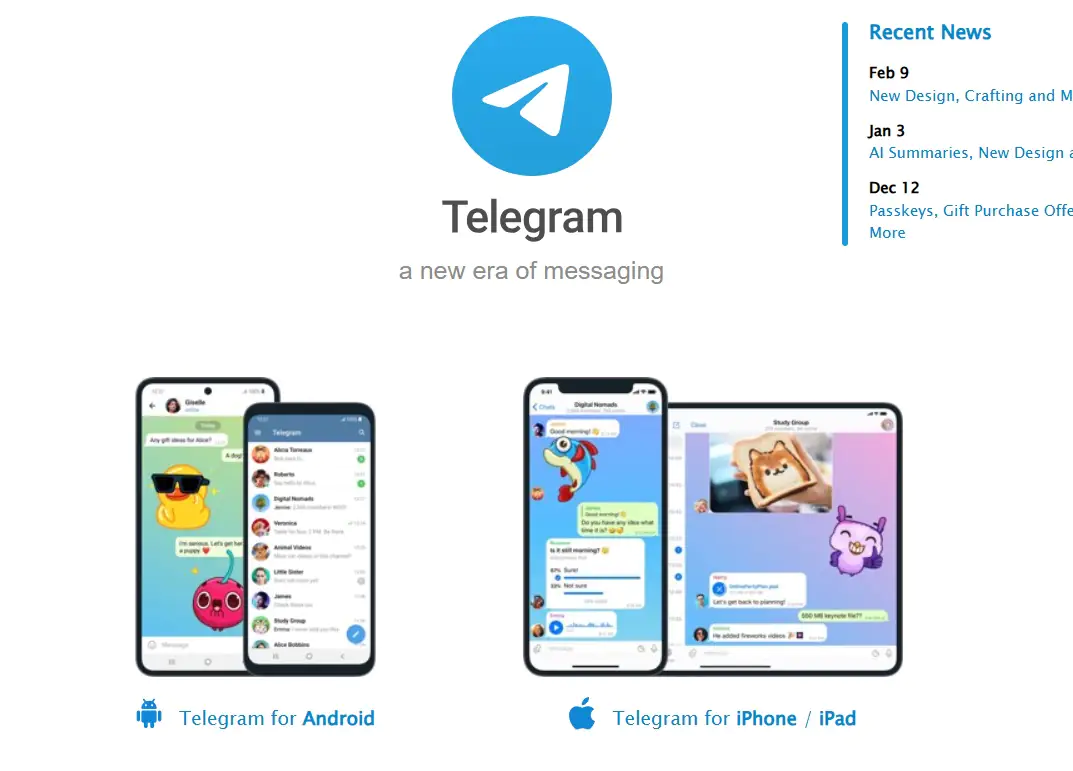
The focus was on the speed of message delivery, scalability, and privacy tools. Gradually, the service went far beyond the usual messenger: channels, large public communities, bots, and business tools were added to personal chats. Today, Telegram is perceived as a universal platform for communication, media, and even content monetization.
As for Nicegram, it developed later as an alternative client based on Telegram. The platform runs on the same technological infrastructure but offers advanced user functionality.

The project is aimed at an audience that needs additional interface settings, more flexible dialog management, and advanced privacy settings. In fact, Telegram does not create a separate ecosystem, but rather complements the existing one, offering a different level of control and personalization within the familiar Telegram environment.
Telegram — The Official App
Telegram is not just a correspondence app, but the central element of the entire ecosystem, where personal dialogues, work chats, media channels, bots, and digital services are concentrated. Everything new — from features for content authors to business tools — first appears here.
Telegram was originally conceived as a space for free communication with an emphasis on speed and technology. The minimalistic design hides a complex architecture that ensures instant synchronization between devices and stable operation even under high load. The official client reflects the project’s philosophy: less visual noise, more opportunities, and a sense of control over their own digital space.
Nicegram — A Modified Telegram Client
Nicegram is an alternative Telegram client that retains all the key features of the original messenger, but adds its own tools and flexible settings. Here you can manage multiple accounts at the same time, filter chats, customize the interface for yourself, and expand the possibilities of privacy, which is not available in the standard app.
Nicegram is designed for those who want more control over communication and personalization. It does not compete directly with the official Telegram, but acts as an add-on, turning the familiar messenger into a more convenient and functional tool for daily use.
Nicegram vs. Telegram: Key Differences at a Glance
Before proceeding to a detailed analysis of the functions, it is useful to see how Telegram and Nicegram differ in general. The following table shows how an official client with a stable ecosystem correlates with an extended version for advanced users:
| Application | Nicegram | Telegram |
|---|---|---|
| Official Status | Third-party client | Official client |
| Extra Features | Multiple accounts, chat filters, and advanced management tools | Bots, channels, mini-applications, and business tools |
| Privacy | Additional privacy settings | Standard encryption, secret chats |
| Customization | Flexible interface and function settings | Limited personalization options |
| Platform Support | iOS and Android (Web via Telegram) | iOS, Android, Windows, macOS, and Web |
As a result, Telegram is suitable for those who value the stability and integrity of the platform, while Nicegram is suitable for those who want more control, individual settings, and additional communication tools.
Telegram vs. Nicegram — Interface and User Experience
When it comes to usability, Telegram remains the standard of minimalism: the interface is simple, and the navigation is intuitive, making it easy to find the right chats, channels, and bots. Animations are smooth and unobtrusive, creating a sense of lightness and speed with every action.
Nicegram, in turn, takes the familiar Telegram interface as a basis, but expands it with customization options. The user can change the design, control the display of chats, simultaneously work with multiple accounts, and add quick panels for frequently used functions.
Anyway, Nicegram remains familiar in feel, but offers more control and convenience for those who actively use the messenger and want to adapt it to their needs.
Navigation and Layout Differences
In terms of navigation and layout, Telegram retains simplicity and predictability: the main screen is divided into chats, contacts, and settings, and all actions are performed with familiar gestures — swiping, tapping, or holding immediately gives the expected result. This approach makes the interface fast and user-friendly, even for new users.
Nicegram remains true to this structure, but adds personalization features. The user can change the order of tabs, add quick panels for frequently used chats and channels, and gestures can be customized to suit their habits. This makes the management of the application more flexible and comfortable for those who actively work with a large number of dialogues and accounts.
Customization and Hidden Settings
As for customization, Telegram offers only basic settings: themes, chat backgrounds, and standard notifications. This approach provides simplicity and stability, but limits the ability of the app to adapt to specific user habits.
Nicegram takes the setup to a new level. Users can change the order of tabs, hide or filter chats, manage multiple accounts simultaneously, and enable advanced privacy settings not available in the official client. These hidden options make using the messenger more flexible and convenient, especially for those who appreciate full control over the interface and workflow in chats.
Features Comparison — Telegram vs. Nicegram
Telegram’s functionality is built around simplicity and versatility: it’s easy to conduct personal and group chats, connect bots, create channels, and share media files. All this makes the platform reliable and predictable for any user.
Nicegram uses this framework, but transforms it into a more flexible tool. Additional features allow you to customize the display of chats, quickly switch between accounts, hide unnecessary conversations, and expand privacy settings. As a result, the messenger remains familiar in feel, but offers more control and convenience for an active user.
Messaging, Bots, and Channels
In Telegram, messaging is organized simply and predictably: you can conduct personal dialogues, group chats, connect bots for automation, and manage channels for publications. Bots integrate directly, and channels make it easy to bring information to a large audience.
Nicegram uses the same features, but makes them more convenient for an active user. It makes it easier to switch between bots and accounts, filter channels, and hide unnecessary chats, and access to important information becomes faster. Thus, the basic functionality of Telegram remains, but its management in Nicegram becomes more flexible and personalized.
Extra Nicegram Features
One of the main features and advantages of the Nicegram service is that the messenger offers something that is not available in standard Telegram, making messenger management more convenient and personalized. Users can create folders for chats and channels, categorize correspondence, work with multiple accounts at once, and quickly switch between them. Hidden chats and advanced privacy settings help maintain privacy, while filters and quickbars make it easier to access important messages.
Nicegram vs. Telegram X — Is There a Difference?
Another important point of comparison should be the cooperation of two Telegram clients — Telegram X vs. Nicegram. Nicegram feels like an “augmented reality” of the usual Telegram: the usual chats and channels remain in place, but there are tools for information management, convenient tabs, advanced privacy settings, and even an AI assistant.
Telegram X makes familiar usage faster and smoother: animations are softer, the interface is responsive, and working with media is more comfortable. It’s like a test lab where ideas for the future of Telegram are tested.
As a result, Nicegram and Telegram X complement Telegram from different sides: one expands the user’s capabilities, the other improves the experience of interacting with the messenger.
*Discover: Telegram X vs. Telegram: What’s Better to Choose for Daily Communication?
Performance and Speed
In terms of performance, Telegram X wins significantly: the interface is responsive, animations are smooth, applications start instantly, and almost do not load the device.
Nicegram, despite the fast response, sometimes uses more resources due to advanced features and custom tools.
The simple formula is: Telegram X — speed and lightness, Nicegram — functionality with a small price for performance.
Stability and Update Frequency
Telegram X relies on reliability: updates are released infrequently, but each version is tested and works smoothly.
Nicegram releases new versions regularly, adding features and improvements, but sometimes it may be accompanied by minor bugs.
Security and Privacy — Telegram vs. Nicegram
Telegram was originally built as a messenger with high data protection: end-to-end encryption in secret chats, trusted servers, two-factor authentication, and official support provide the user with confidence that messages remain private. Any updates are thoroughly tested, and security features always remain a priority.
Nicegram, being a third-party client, works through the same Telegram API, so basic encryption and synchronization are preserved. However, an important caveat appears here: additional functions — tabs, an AI assistant, built‑in wallets, and advanced settings — create new points of interaction with data. This does not mean that Nicegram is unsafe, but the user should take into account that working with a third-party client entails potential risks that are not present in the official Telegram.
Pros and Cons — Telegram vs. Nicegram
To summarize, Telegram and Nicegram offer two different approaches to communication. Telegram remains reliable and stable: everything is running smoothly, updates are checked, and security and privacy are excellent. But the functionality is limited — the interface is standard, and there is little customization.
Nicegram is like a “tuning” of the usual Telegram: it has tabs, filters, an AI assistant, a built‑in walletб and a lot of settings for yourself. It’s convenient and interesting, but you have to “pay” a little for freedom: updates can sometimes cause instability, and privacy requires care.
Who Should Choose Telegram and Who Should Choose Nicegram?
Telegram is suitable for those who value stability, proven security, and a smooth interface. It is an ideal choice for communication, working with channels, and storing sensitive information.
Nicegram will appeal to advanced users who love customization, advanced features, and new tools: tabs, filters, an AI assistant, and a built‑in wallet. A great option for those who want a flexible and personalized communication experience.
Final Verdict on Telegram vs. Nicegram
When you look at both apps together, it becomes clear that the choice depends on what is more important to you. Telegram is confident: a stable, secure, and time-tested messenger where you can safely work with chats, channels, and secret messages.
Nicegram, in turn, is like an “extended version” of Telegram: more functions, convenient tabs, an AI assistant, and customization of the interface, but for this you have to be a little more attentive to updates and privacy.
As a result, both apps coexist in the same ecosystem and do not contradict each other. The choice is simple: if you want peace of mind and reliability — Telegram; if you want freedom and new opportunities — Nicegram.
Download and appreciate Nicegram in its full speed!